Lightning Pay Wallet.
Free, open source,
non-custodial.
The Bitcoin and Lightning wallet for Windows, macOS, and Linux — with iOS and Android apps coming back soon. No signup, no KYC, no account to lose. Install in 60 seconds — your keys never leave your device.
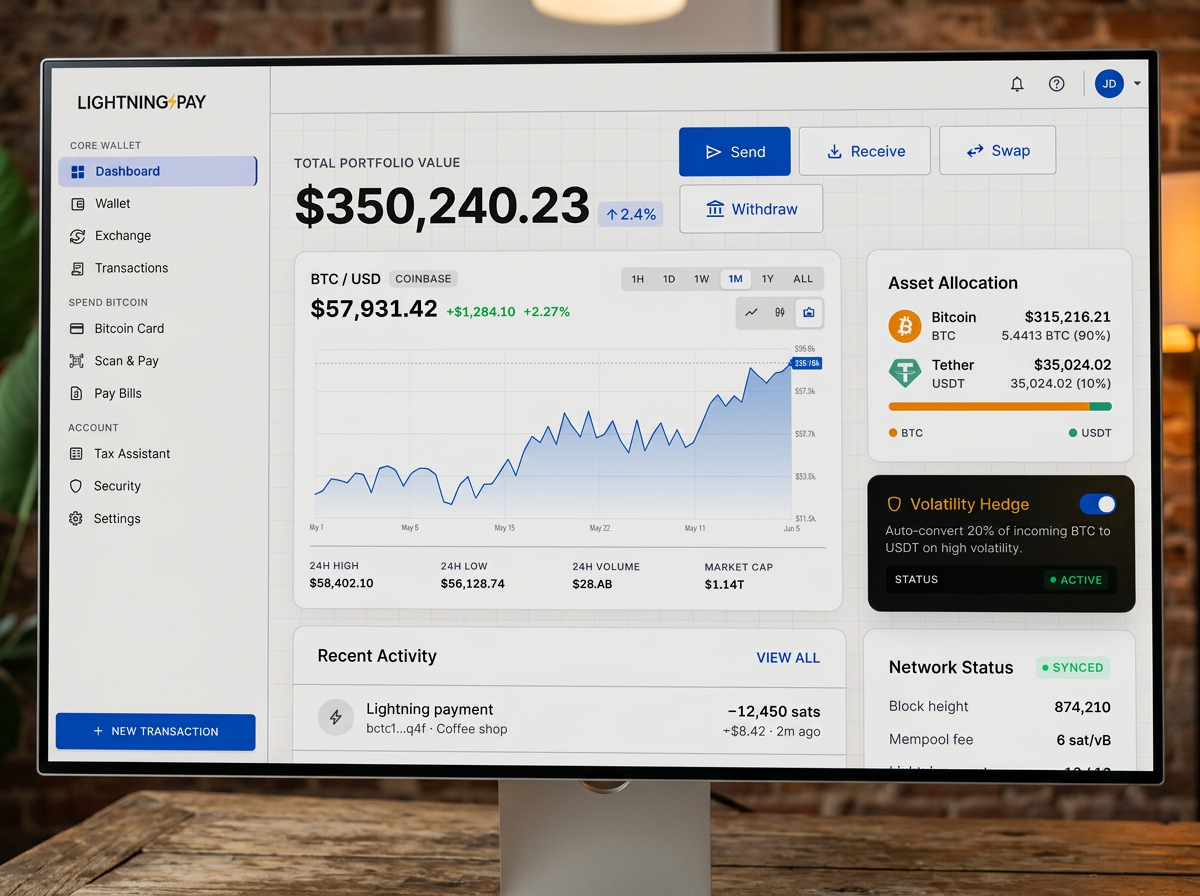
Choose your platform
Windows
Windows 10 / 11
DownloadInstall guide →macOS
Apple silicon & Intel
DownloadInstall guide →Linux
Ubuntu, Fedora, Arch (.zip)
DownloadInstall guide →A Bitcoin wallet that does everything in five minutes
Lightning Pay Wallet is a free, open-source Bitcoin wallet app with native Lightning, USDC and USDT stablecoin balances, and an optional Visa card that lets you spend BTC anywhere Visa works. Fully non-custodial — no signup, no KYC, no account to reset.
Bitcoin + Lightning
USDC & USDT
Bitcoin Visa card
Non-custodial
Runs on what you already own
- Windows
- 10 or 11 (64-bit) · 4 GB RAM · 500 MB disk
- macOS
- 12 Monterey or newer · Apple Silicon or Intel · 4 GB RAM
- Linux
- Ubuntu 22.04+ · Fedora 39+ · Arch · Debian 12+ · AppImage & .zip
- Mobile
- iOS & Android apps are being rebuilt — coming back soon
From download to first payment
- 1
Click your platform
Installer downloads from the Lightning Pay CDN — a signed, reproducibly-built release. - 2
Run the installer
macOS: drag to Applications. Windows: accept the signed SmartScreen prompt. Linux: chmod +x the AppImage. - 3
Open the app
Choose Create new wallet or Restore from seed. - 4
Write your 12 words on paper
Confirm three. Set a PIN. Never screenshot the seed. - 5
You're done
The wallet is ready to receive Bitcoin or Lightning payments.
Built for people who actually hold the keys
Desktop done right
Lightning, zero setup
Auditable, by design
You pay only when you act
The wallet is free. Holding Bitcoin or stablecoins is free.
- 0.1% — in-wallet swaps
- 0.5% — fiat on/off-ramp network markup
- 0.1% — bill pay
- 0% — monthly · 0% — FX on the card
Already use another Bitcoin wallet?
Any BIP-39 12- or 24-word seed works. Restore it during onboarding and Lightning Pay Wallet shows your full Bitcoin balance and history — no funds move, you’re just giving the app a view of the same wallet.
Coming from Muun, Blue Wallet, Cash App, Strike, or Phoenix? See the side-by-side comparisons for an honest look at what changes.