Self-custody Bitcoin, without the headaches.
Lightning Pay never holds your funds. These guides explain why that matters, how to protect a 12-word seed phrase, and how to stay safe without becoming a hardware-wallet hobbyist.
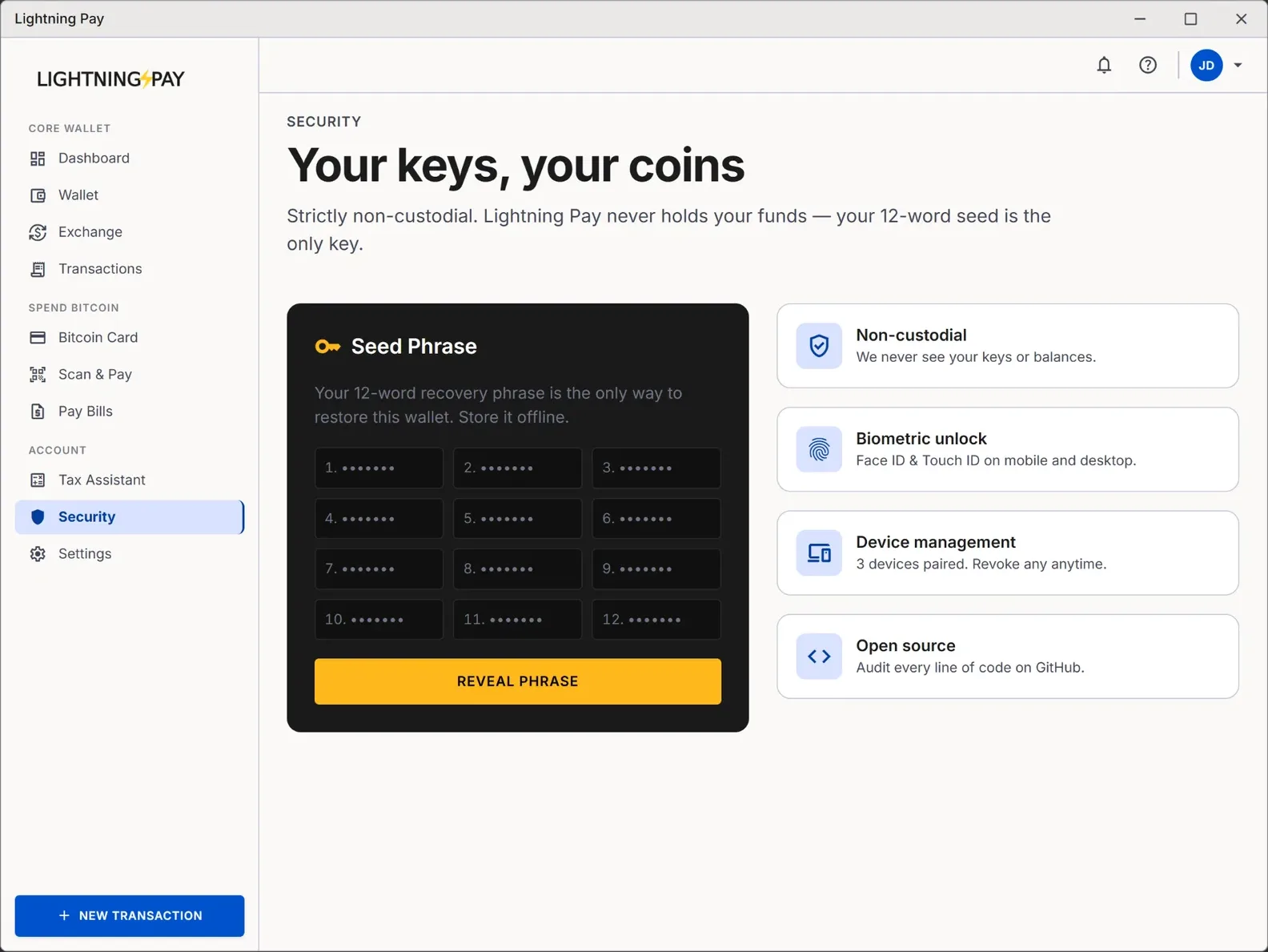
Your keys. Your coins. No exceptions.
Every Bitcoin collapse of the last decade — Mt. Gox, QuadrigaCX, Celsius, BlockFi, FTX — has the same shape: users handed their keys to a custodian, the custodian failed, the coins were gone. Self-custody is the only structural fix.
Keys on your device
12 words is the master
No support reset
You do not need a vault on day one
Self-custody just means you hold the private keys that unlock your Bitcoin, rather than trusting a company to hold them for you. The mechanics are boring: a 12-word seed phrase, generated on your own device, is the master key from which every Bitcoin and Lightning address in your wallet is derived. Lightning Pay does the cryptography for you — your job is to write the 12 words down once and keep that paper somewhere only you can reach.
People over-complicate this. You do not need a $200 hardware wallet to hold $500 in Bitcoin. You need a piece of paper, a pen, and somewhere private to put the paper. As your balance grows, layer in a hardware wallet (Ledger, Trezor, Coldcard, BitBox — all pair with Lightning Pay), a steel backup, and eventually multi-sig.
The single most important question: who controls the keys?
A custodial wallet — Coinbase, Binance, Kraken, Cash App, Robinhood — holds the keys on your behalf. You hold an IOU against their database. They can freeze your account, get hacked, go bankrupt, or be ordered to seize the funds. All of these have happened to real users in the last few years.
A non-custodial Bitcoin wallet like Lightning Pay puts the keys on your device. We never see them, never store them, never have the option to move your funds. If our company disappeared tomorrow, your 12-word seed phrase would still recover the full balance in any compatible BIP-39 wallet — Sparrow, Electrum, Bitcoin Core, Blue Wallet, anything.
Seed-phrase storage — what works, what fails
- Write the 12 words on paper.
- Store the paper somewhere physically secure (home safe, deposit box, trusted relative's safe).
- For balances over a few thousand dollars, stamp into a stainless-steel seed plate.
- Keep two copies in two physically separate locations.
- Photographing the seed phrase (any cloud-backed photo roll is a leak waiting to happen).
- Typing it into a password manager, notes app, Google Doc, or email.
- Texting it to yourself "just in case."
- Sharing it with "support" — Lightning Pay support will never ask, ever.
Why FTX-style collapses can't touch self-custodied Bitcoin
Every major crypto collapse of the last decade had the same structural cause: users handed Bitcoin to a company, the company used it in ways users didn't know about (or got hacked), and when the music stopped the IOUs were worthless. The collapses had nothing to do with Bitcoin itself.
Self-custodied Bitcoin is structurally immune to this failure mode. There is no counterparty to fail. Lightning Pay could shut down tomorrow and your funds would be unaffected — the keys are on your device, the ledger is on the Bitcoin network, and any BIP-39 wallet can read them. Sleep better.
A practical self-custody playbook
How custody works in Lightning Pay
- Custody model
- Strictly non-custodial
- Seed phrase
- 12 words, BIP-39 standard
- Key storage
- On-device only (encrypted)
- Recovery
- 12-word seed on any Lightning Pay install
- Server-side balances
- None — we never see them
- Account freeze
- Not possible (no account)
- KYC required
- No
- Open source
- Yes — code is auditable